
Fat Filter
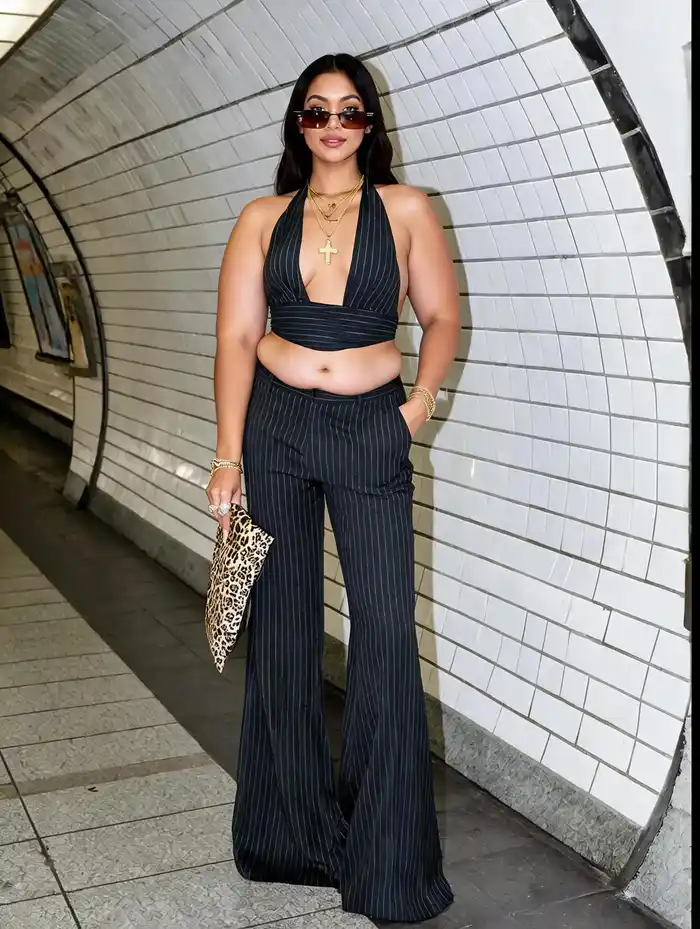
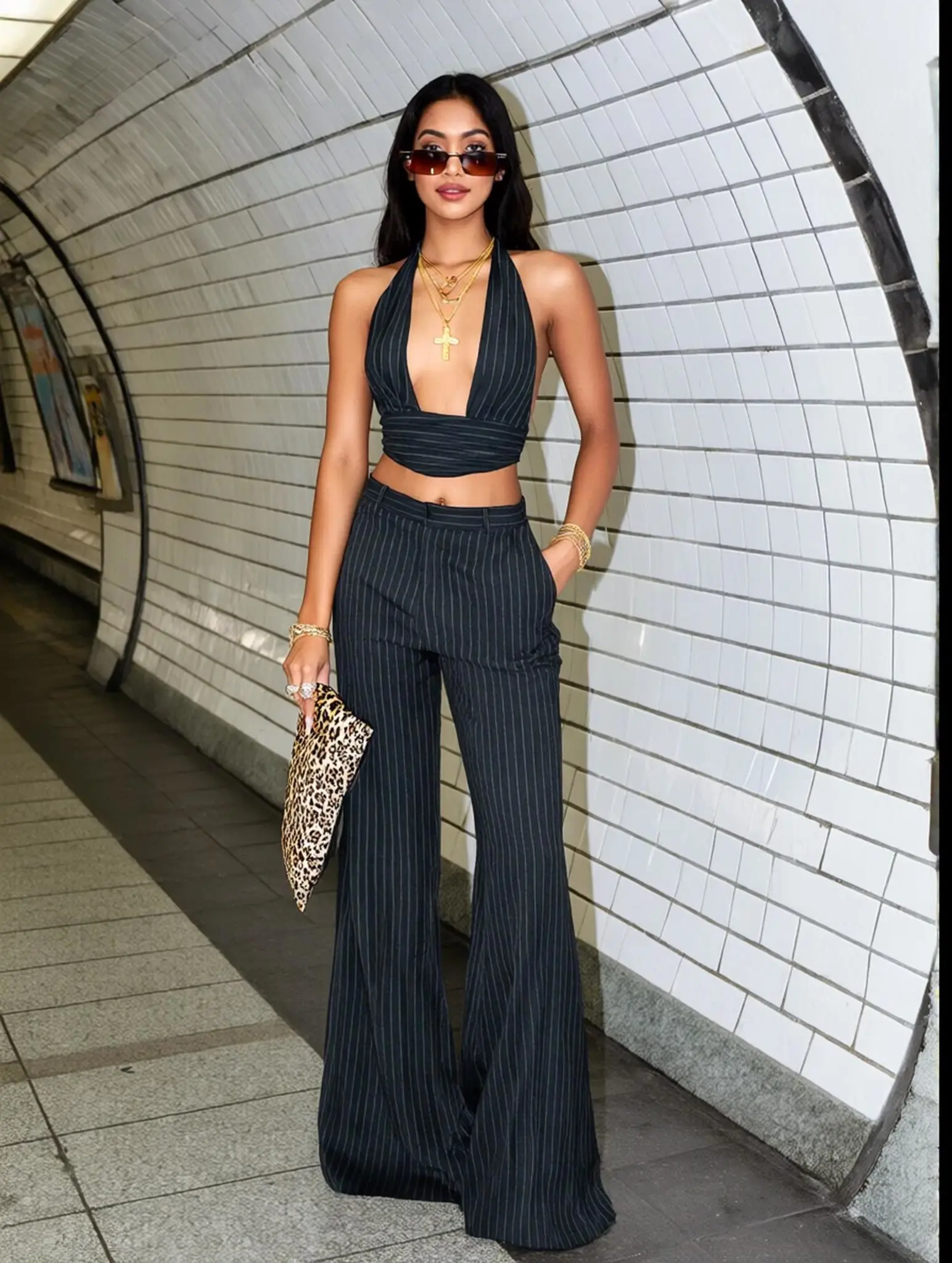
Best Examples
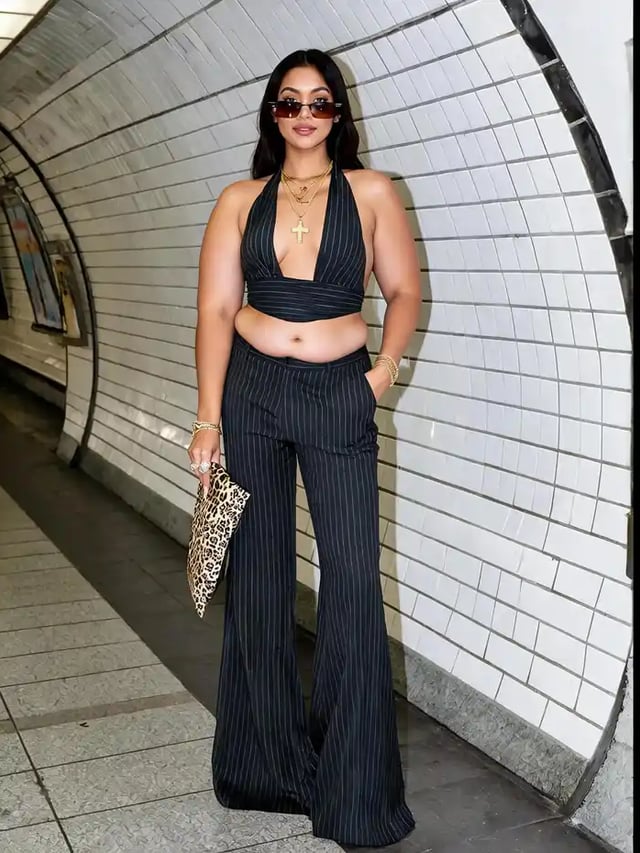
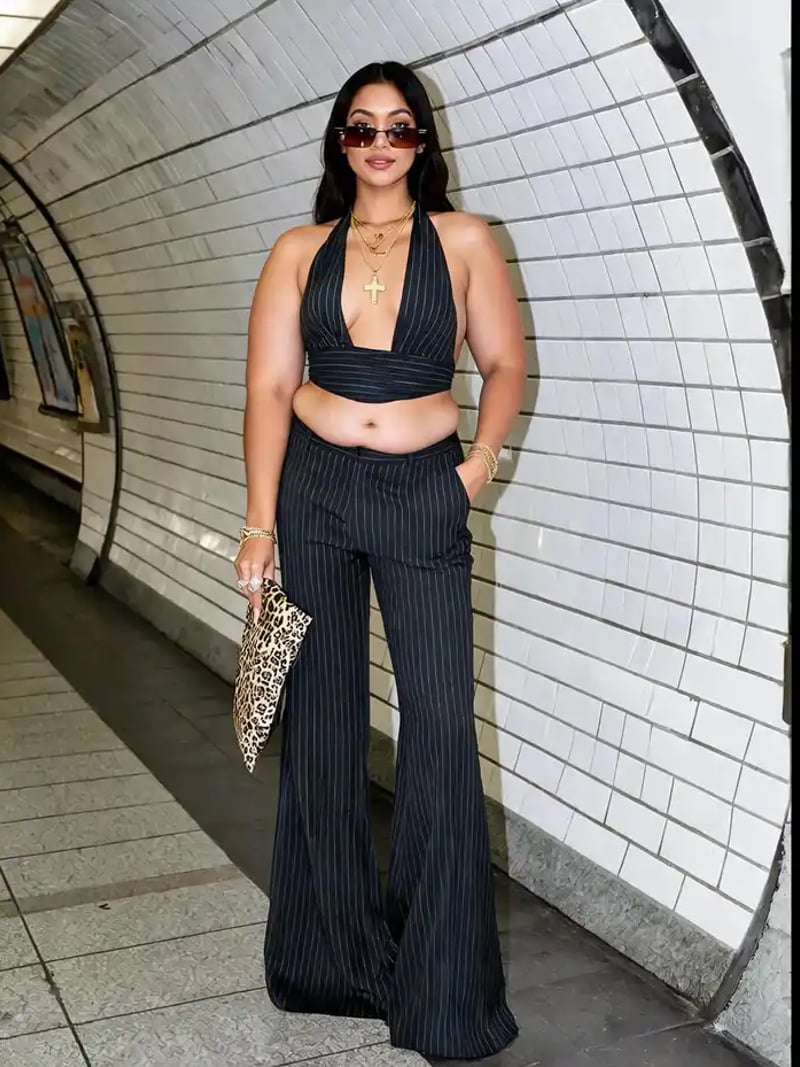
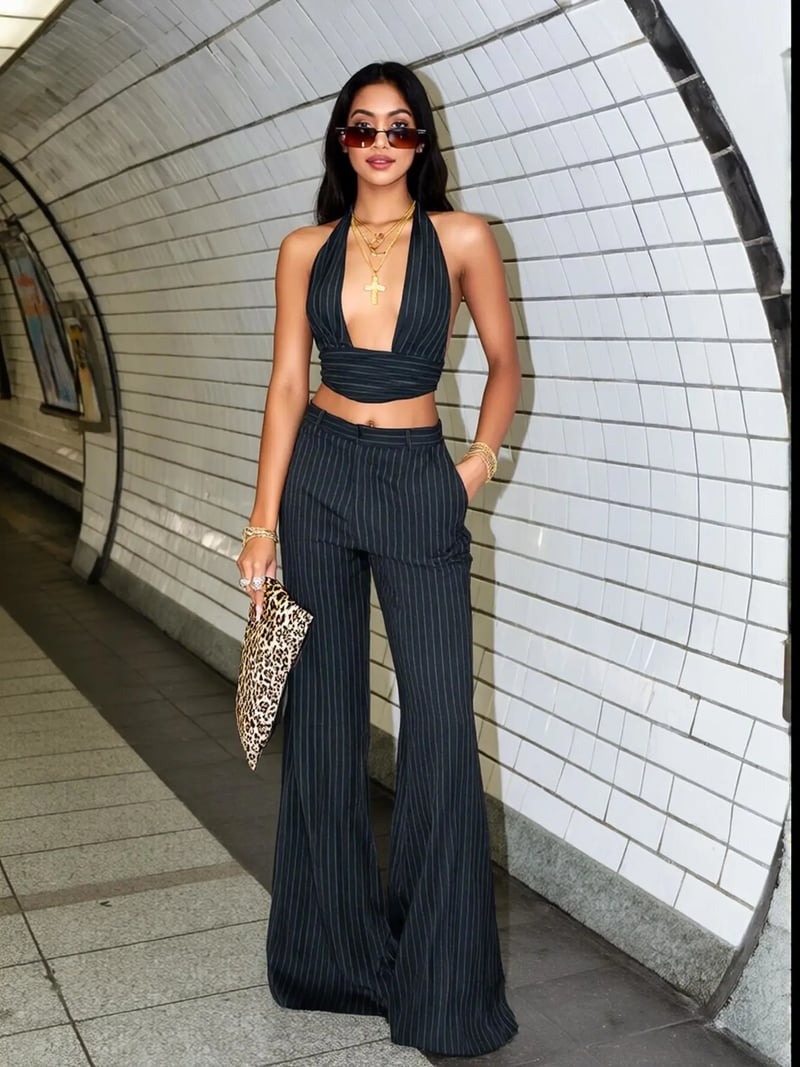
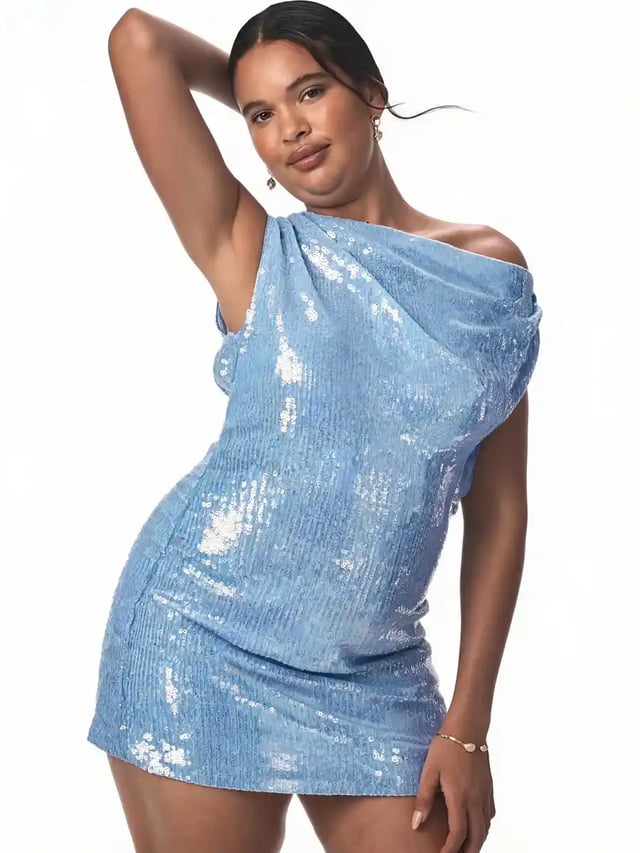
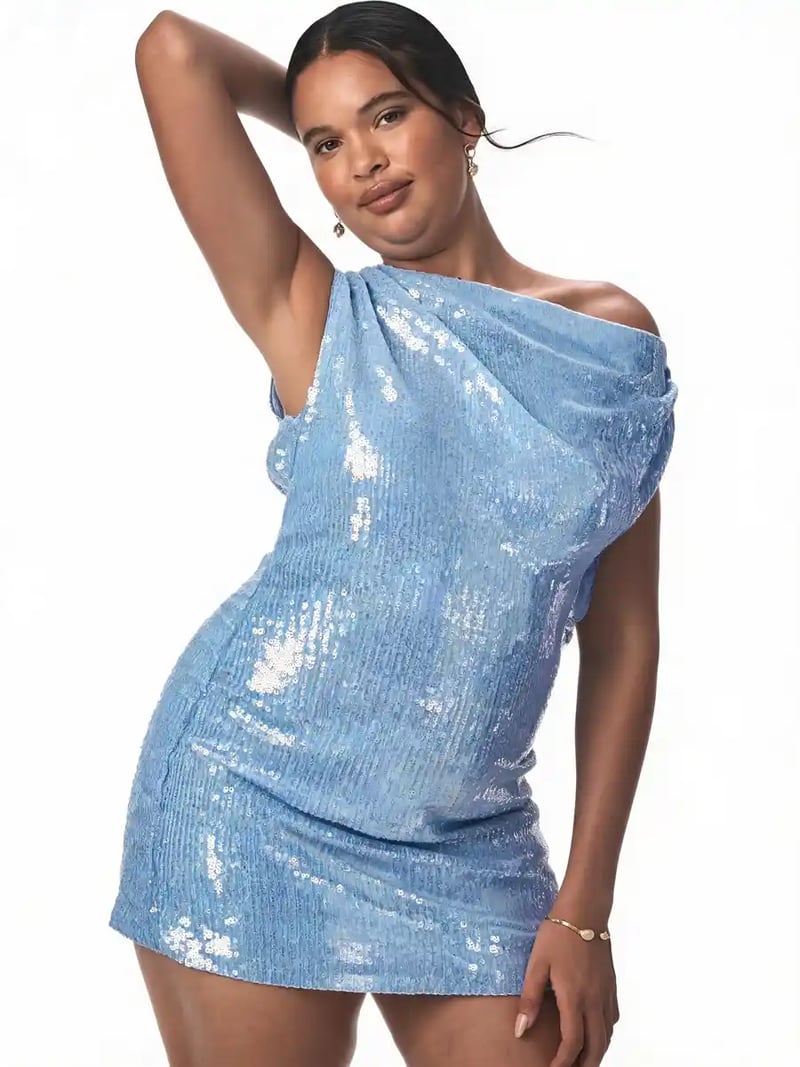
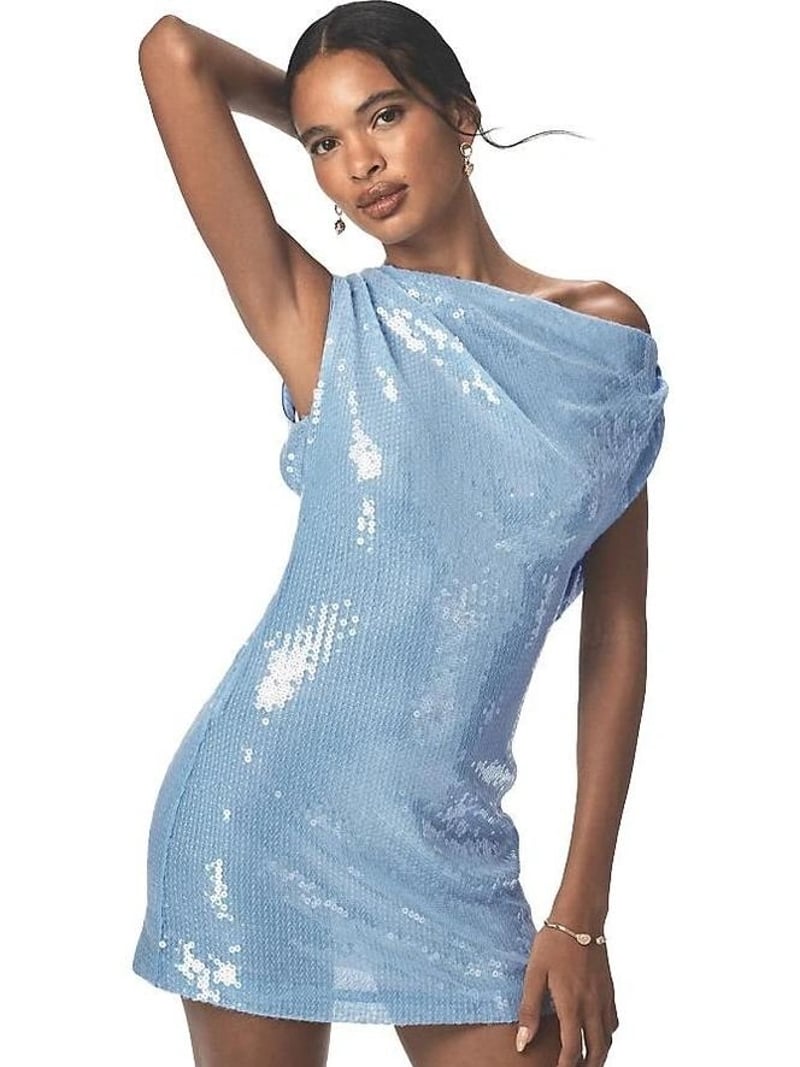
No more data
Fat Filter — Free AI Weight Gain Photo Editor Online
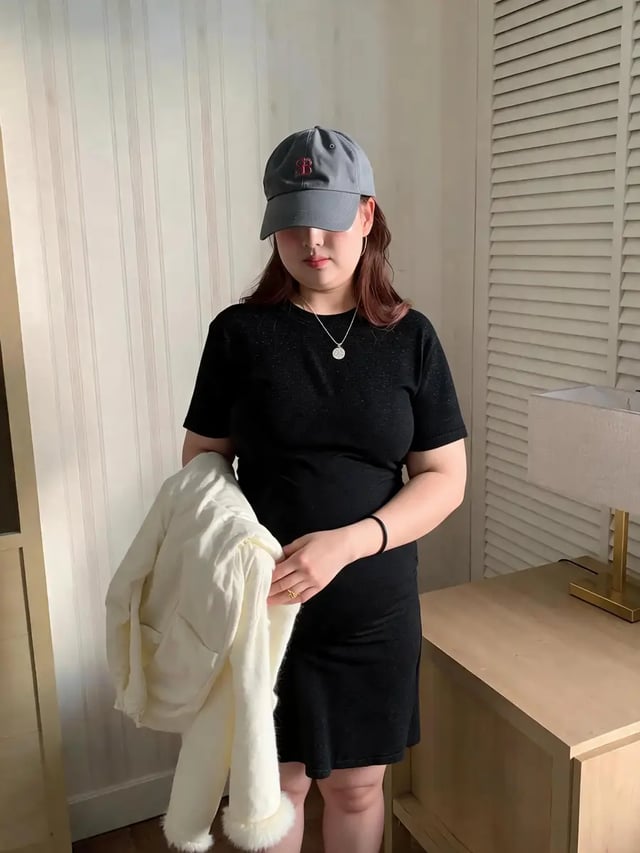
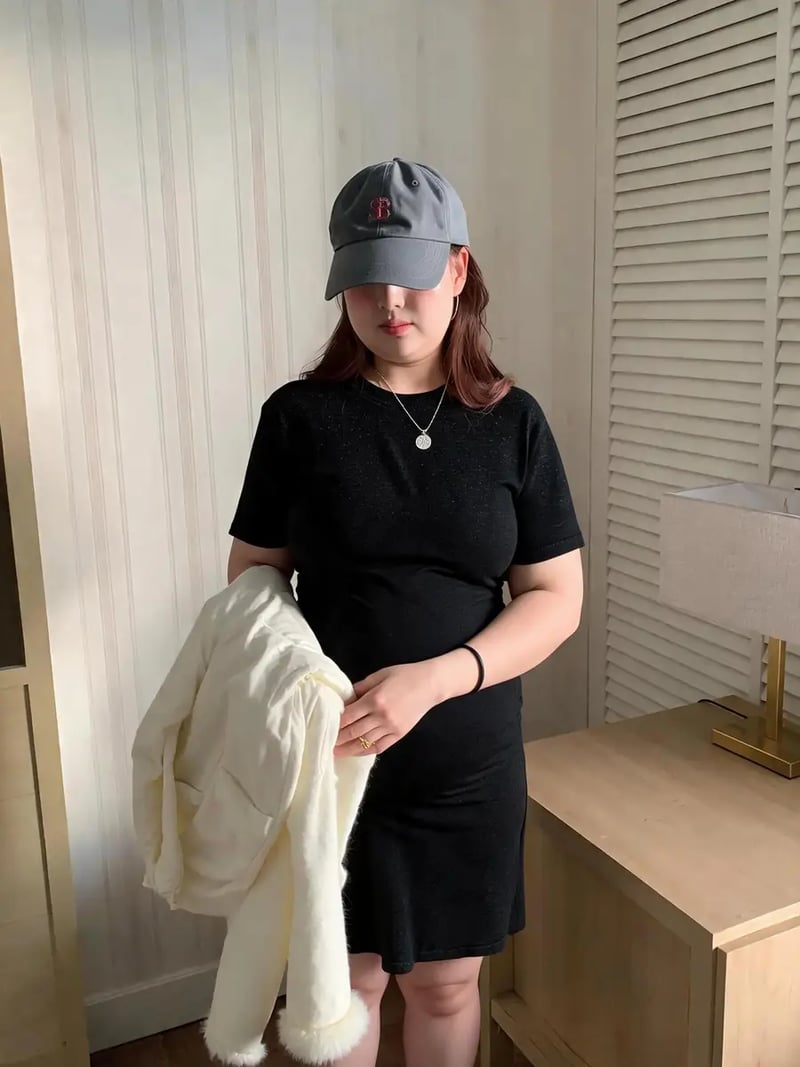
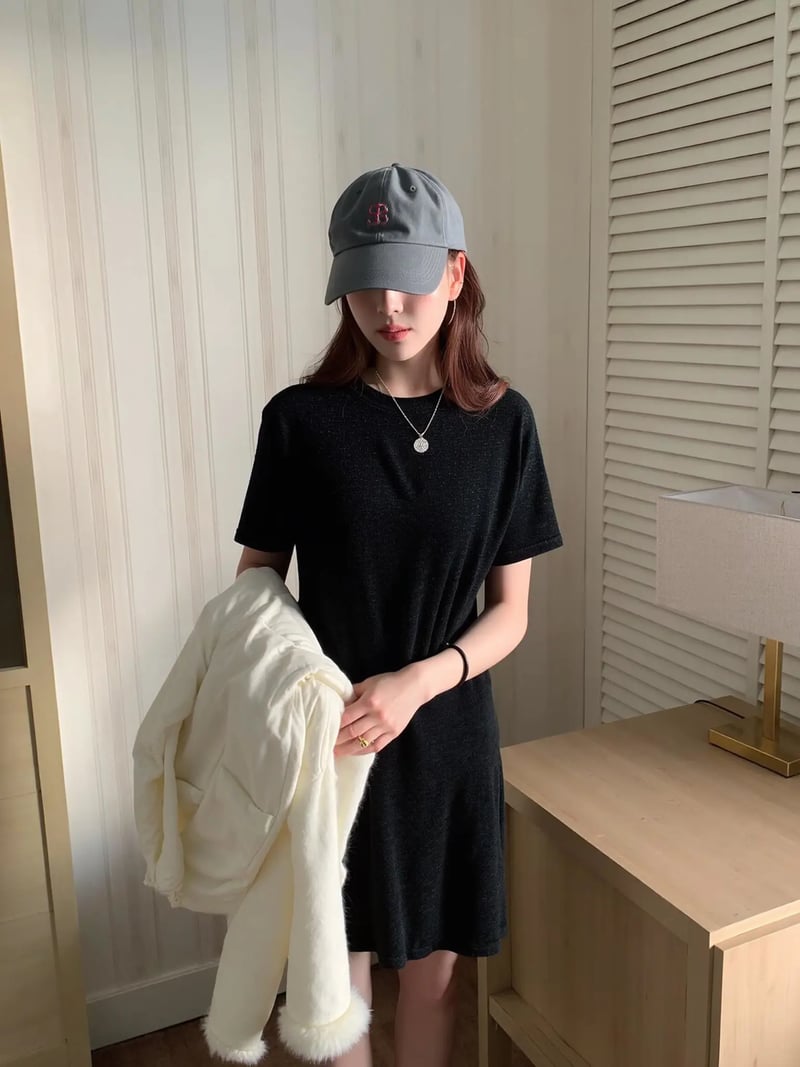
Turn any photo into a playful weight-gain version with AI. The Fat Filter adds a naturally heavier look — fuller cheeks, a softer jawline and a rounder figure — while the person stays clearly recognizable and the outfit, framing and background remain untouched. No crops, no zooms, no warping. Free to try — no credit card required.
How to use Fat Filter
- 1Upload a Photo
A face close-up or a full-body shot both work — just make sure the person is clearly visible.
- 2Apply the Fat Filter
The AI adds natural weight across the face and body — fuller cheeks, a softer jawline and a rounder figure — keeping identity, outfit and scene intact.
- 3Download
The original framing and composition stay untouched. Save the result for memes, before/after previews or playful edits.
FAQ
What does the Fat Filter do?
It makes the person in a photo look noticeably heavier — plumper cheeks, a fuller face and a heavier build — while preserving who they are and keeping the original scene, outfit, lighting and framing exactly the same.
Will the result still look like the same person?
Yes. The weight gain is applied gradually and realistically, so the person stays recognizable — same face, hairstyle, expression and outfit, just heavier.
Does it crop or zoom the photo?
No cropping or zooming — the photo keeps its original size, aspect ratio and framing, and nothing is cut out or distorted.
What can I use it for?
Fun transformations, memes, before-and-after weight previews and creative comparisons are the most common uses.
Is the Fat Filter free to use?
New users get free credits to try the tool. No credit card is required to get started.