
AI Aging
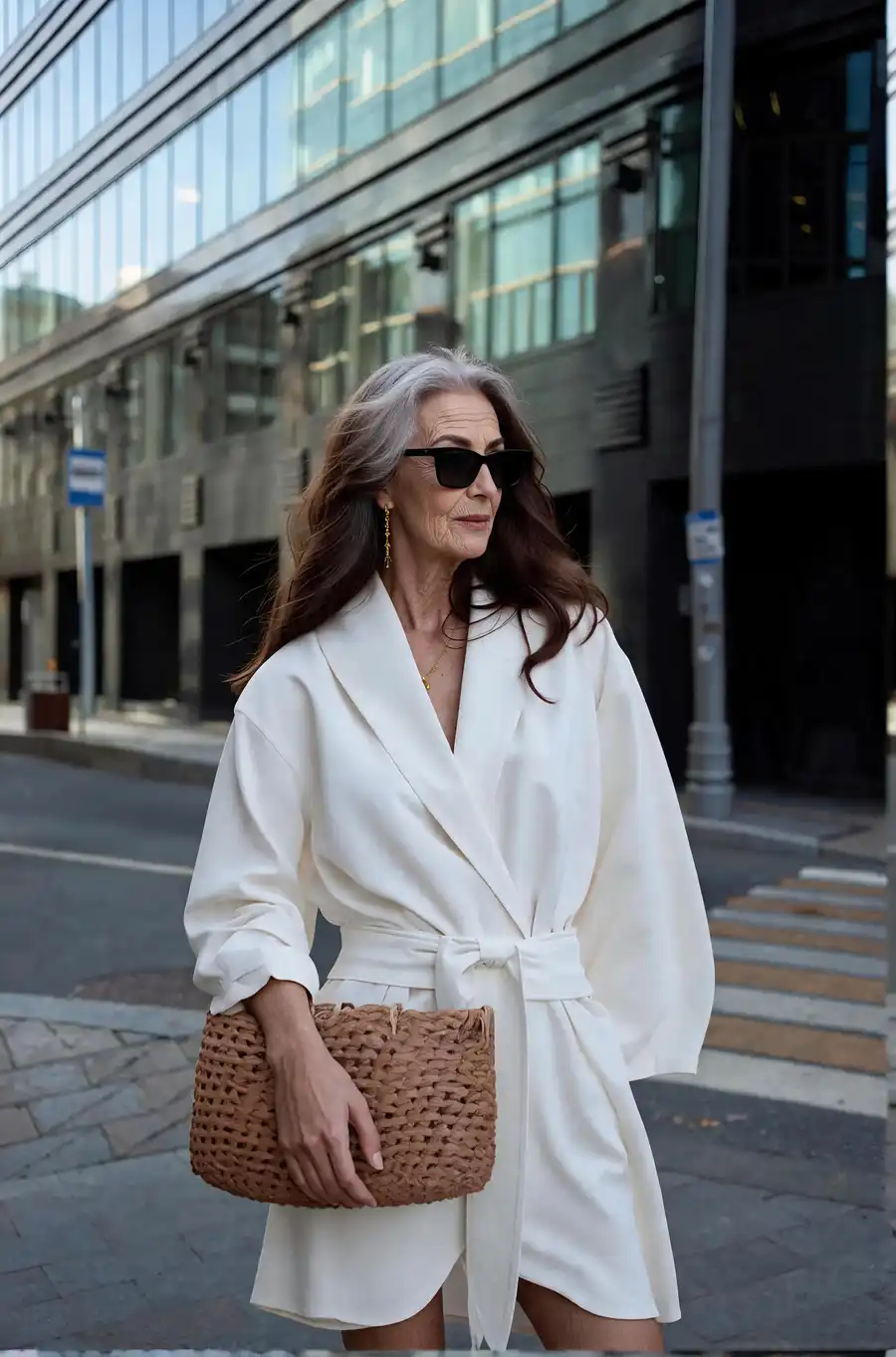
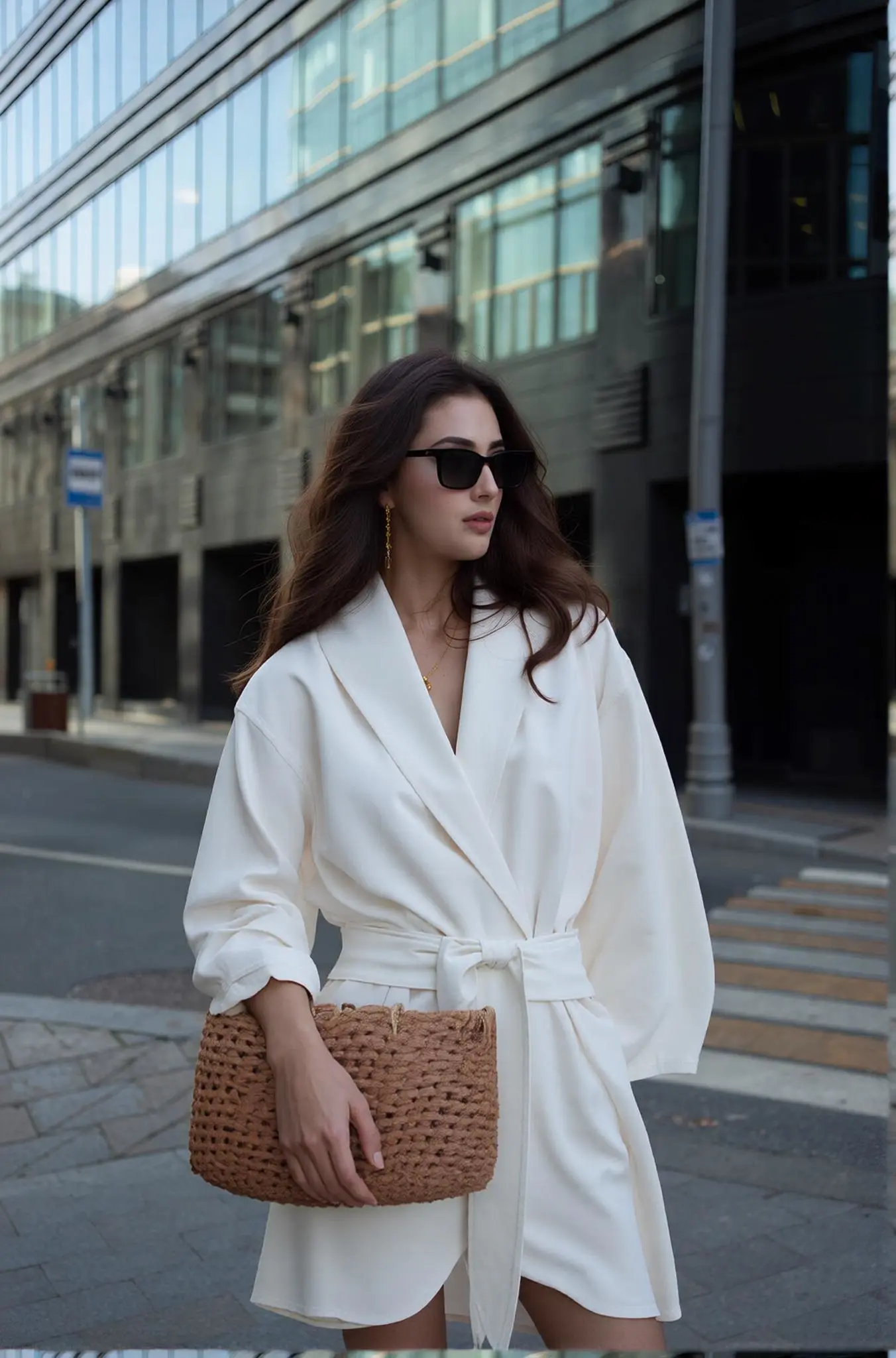
Best Examples
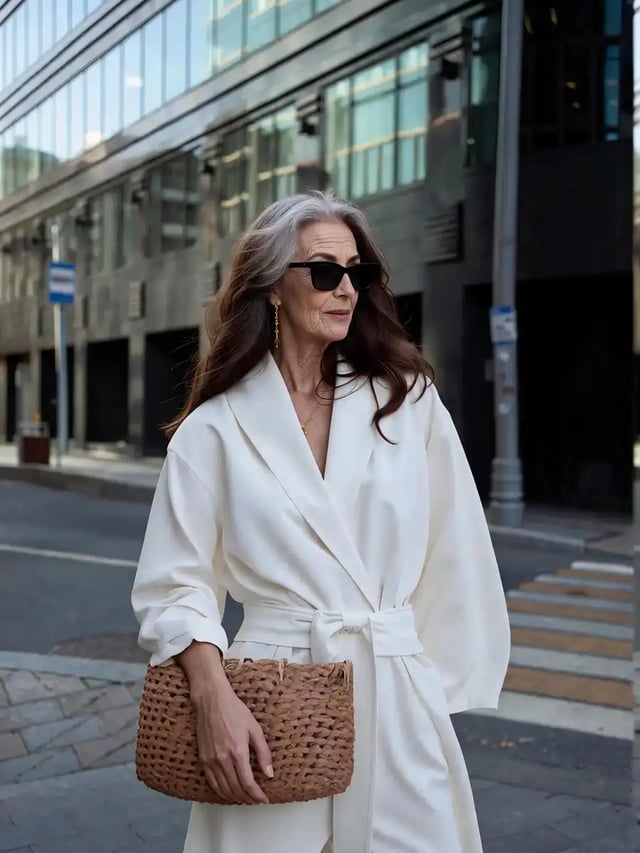
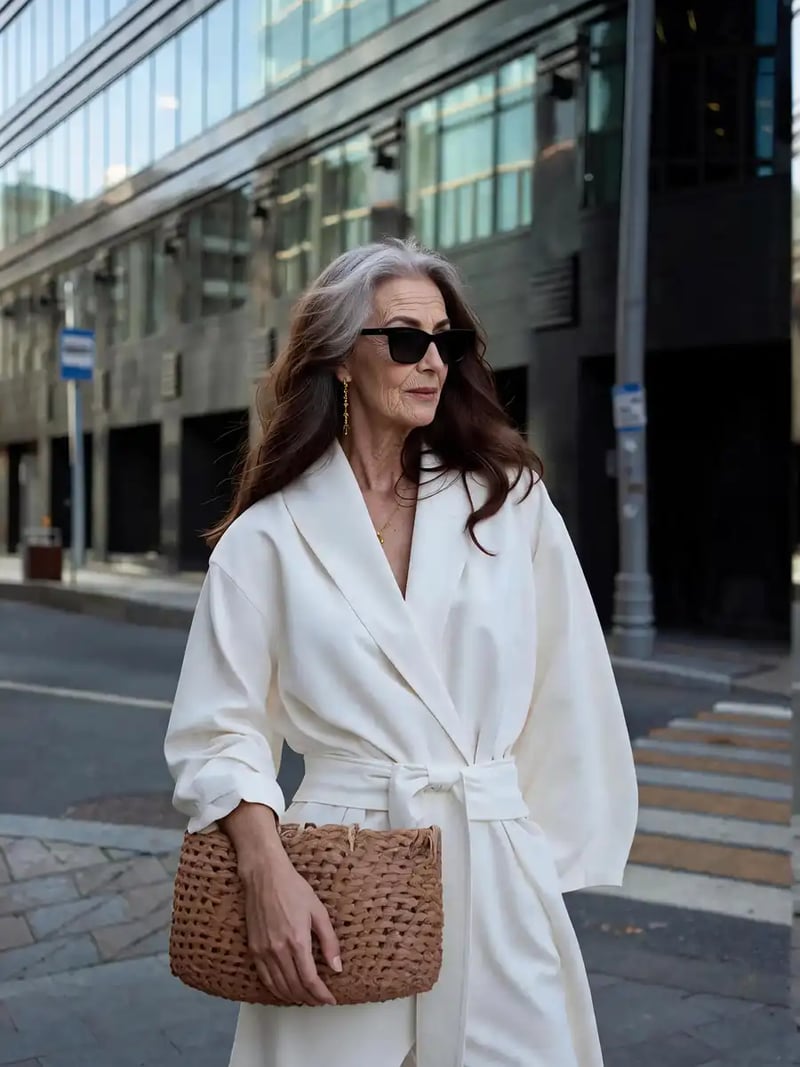
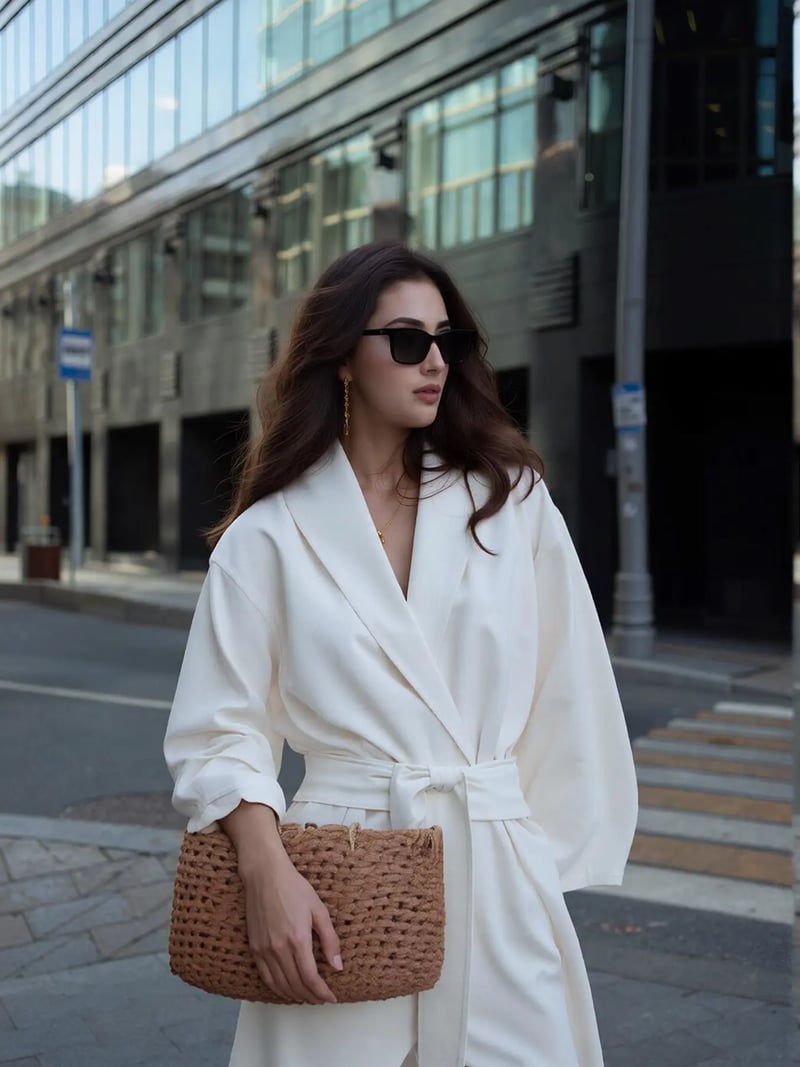
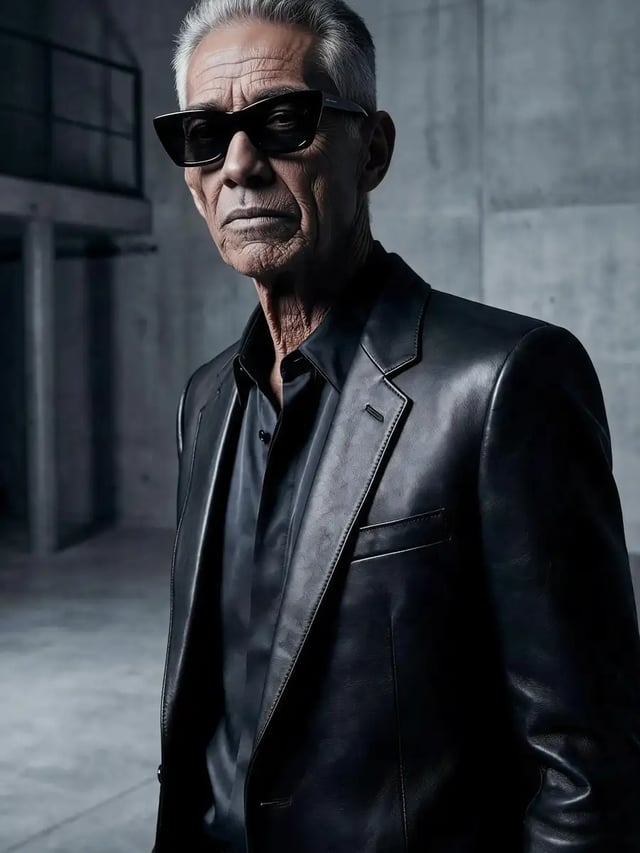
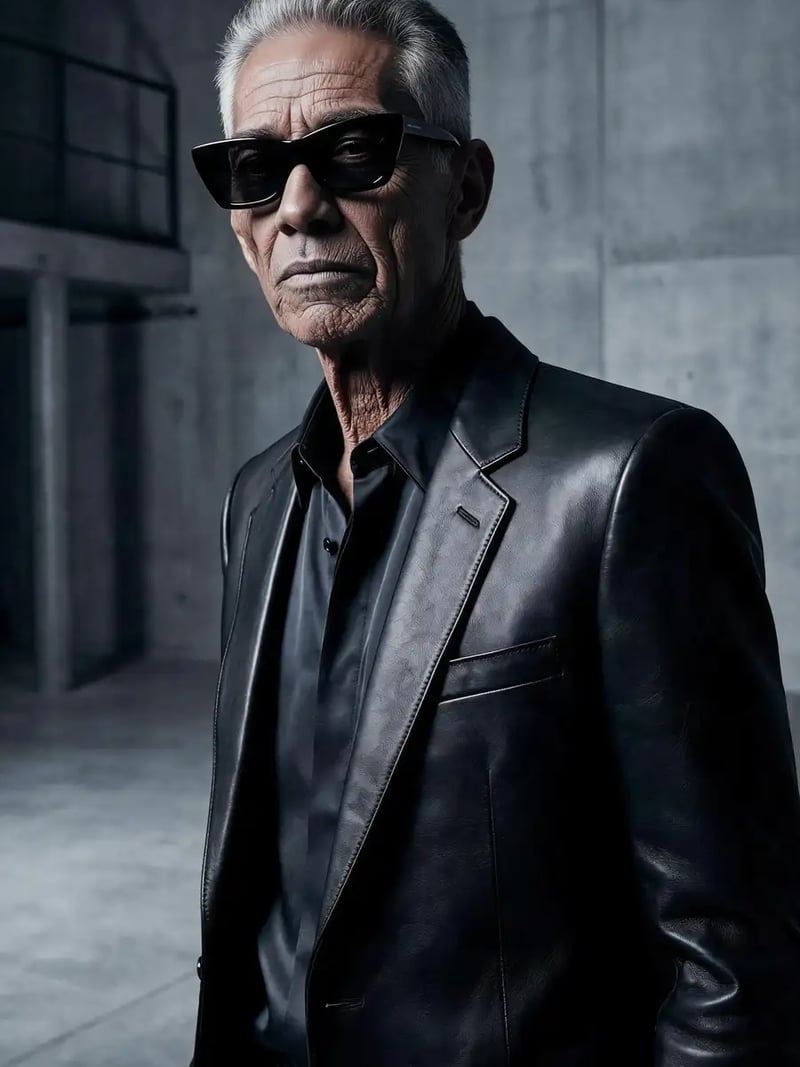
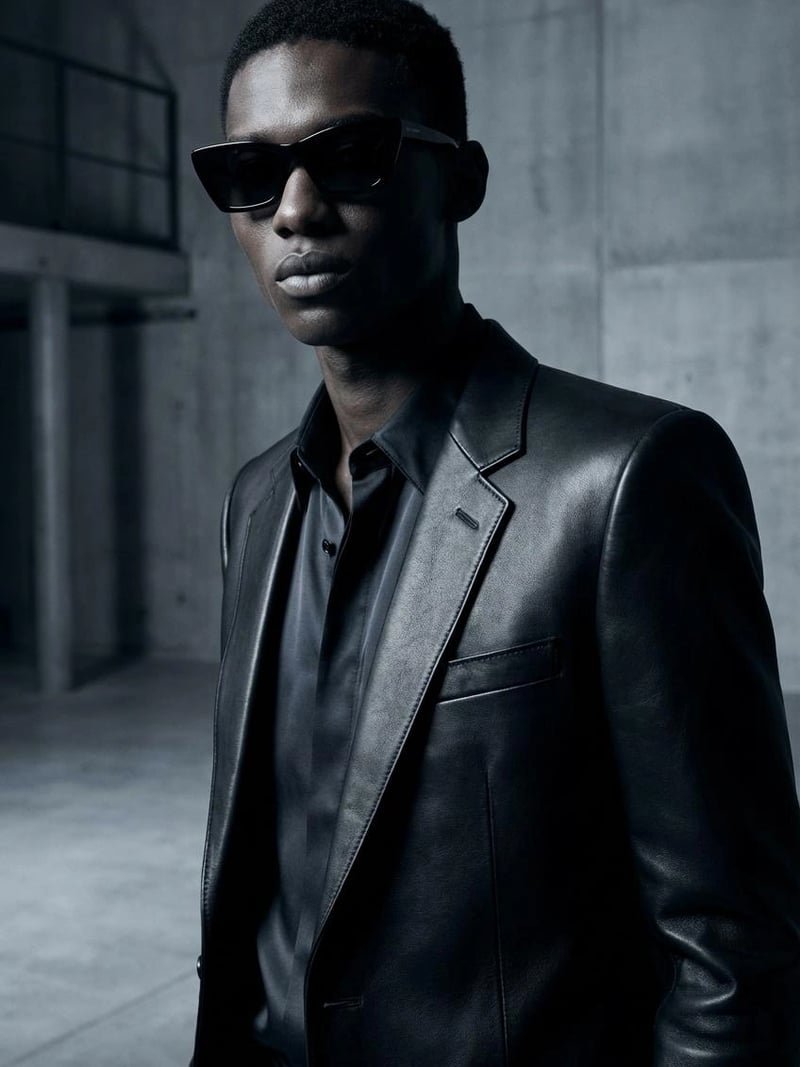
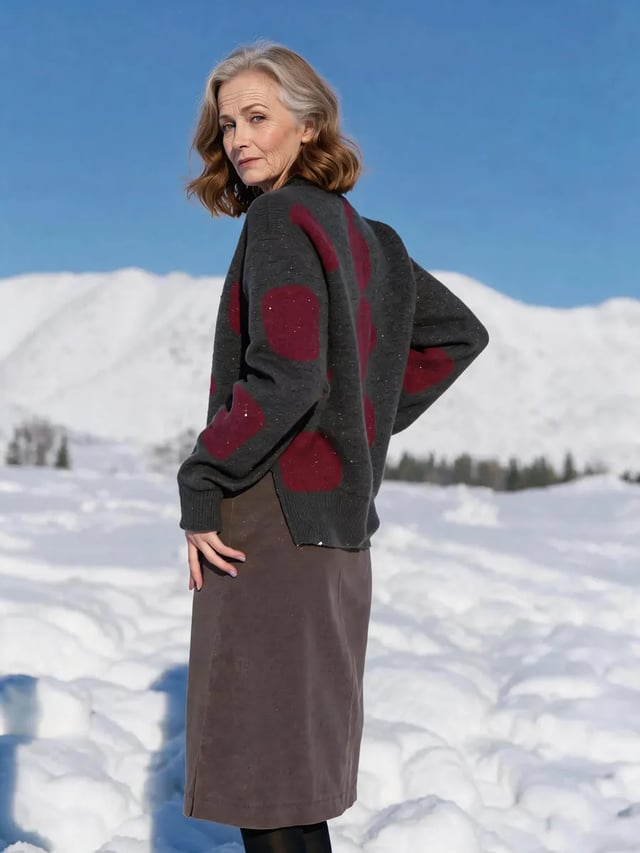
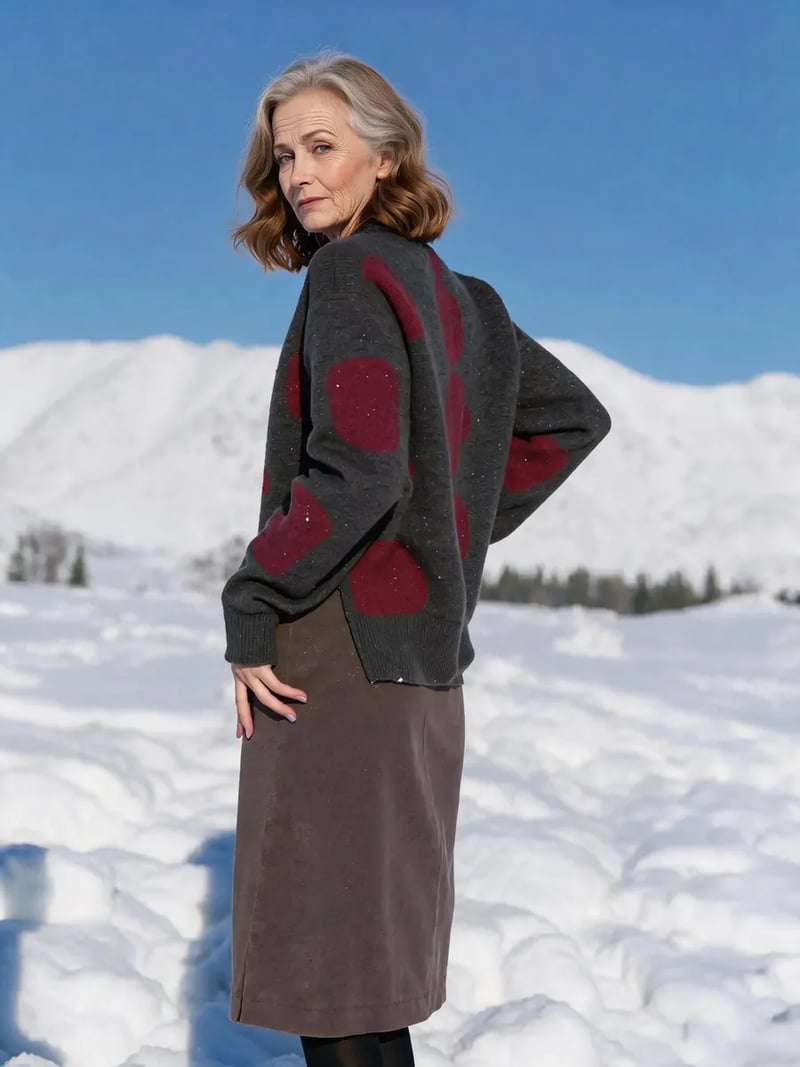
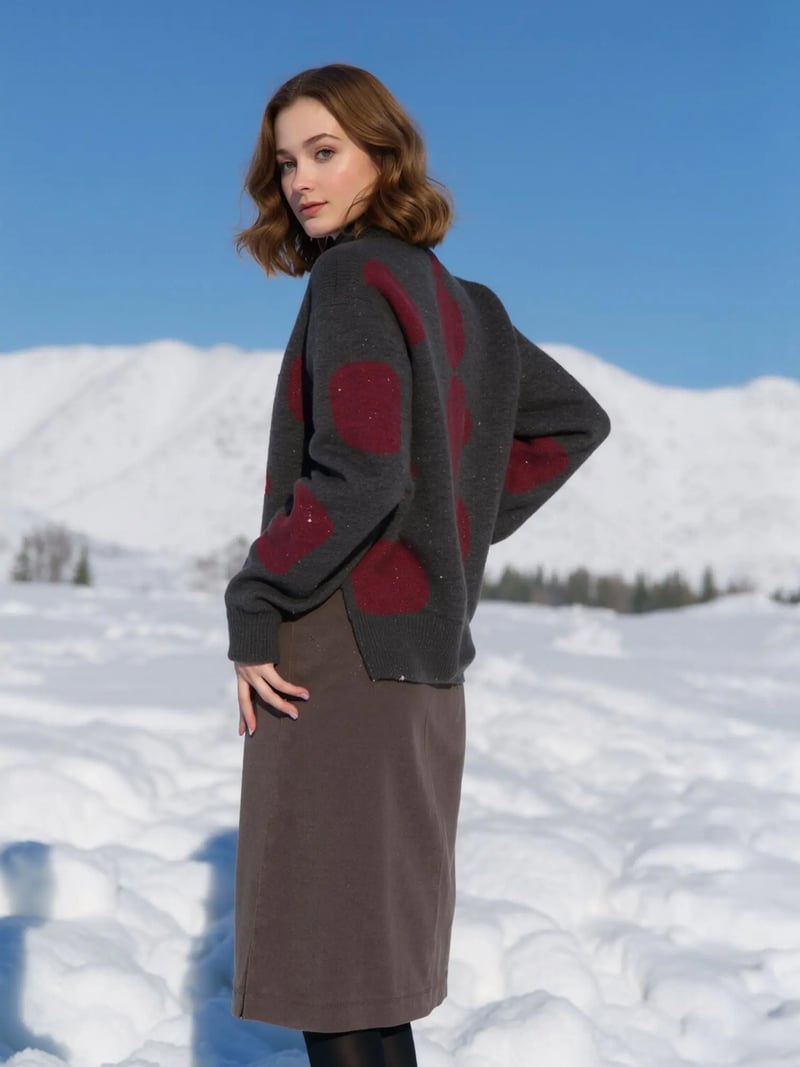
No more data
AI Aging Filter — See Yourself Older or Younger in a Photo
Fast-forward or turn back the clock on any face with AI. Pick an age from 5 to 85 and the AI reshapes the face, skin and hair to match — a quick way to peek at your future self or revisit a younger look, with pose, outfit and background left exactly unchanged. Free to try — no credit card required.
How to use AI Aging
- 1Upload a Portrait
Start with a clear, well-lit photo of the face you want to transform.
- 2Choose the Target Age
Drag the slider anywhere from 5 to 85 — the AI reshapes facial features, skin and hair to match that age.
- 3Download the Result
Expression, pose, outfit and background stay the same. Save the result to share or keep.
FAQ
What is the AI Aging Filter?
It is an AI photo tool that moves the person in a photo to any age between 5 and 85 — adding wrinkles, gray hair and mature features when aging up, or smoothing them away when going younger — while expression, pose and background remain intact.
Can it make someone look younger too?
Yes. The age slider works both ways — drag it down for a younger look or up to preview a future self.
What age range does it support?
From 5 to 85. The AI reworks the facial features, skin texture and hair to convincingly match the age you select.
Will the expression and background stay the same?
Yes. The transformation touches only the face's age appearance — the person's expression, angle, pose, clothing, background and lighting are all preserved.
Is the AI Aging Filter free to use?
New users get free credits to try the tool. No credit card is required to get started.